
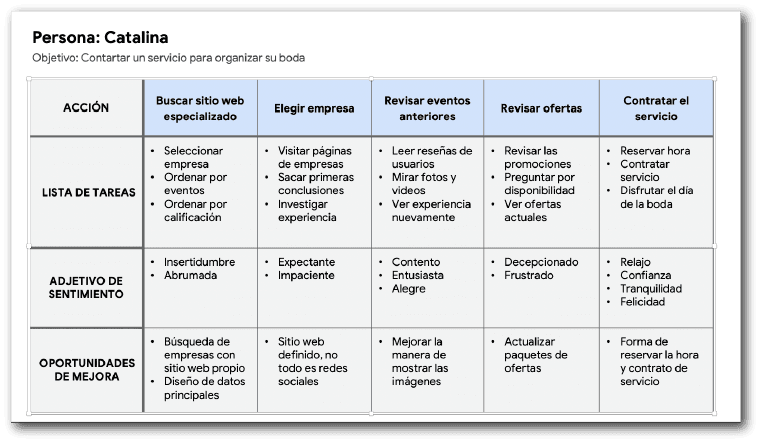
Most event planning companies can only be contacted through social media, which makes them seem like informal businesses, as they don't have an established website.
The few companies that do have a website have a poor design and lack adequate information for the customer, causing them to waste more time searching for information, calling companies, and delving into the details.
Problem Statement
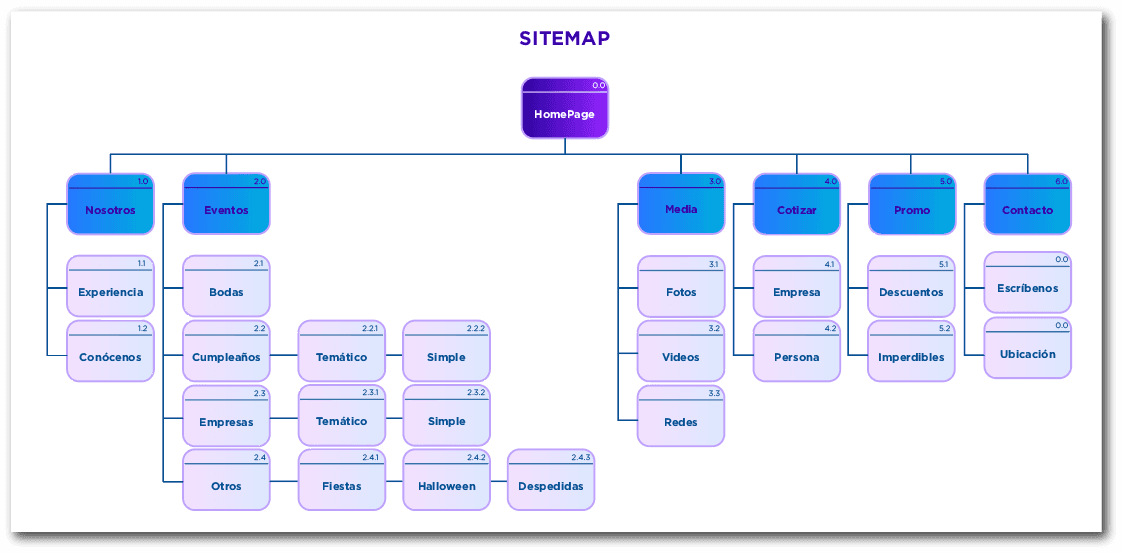
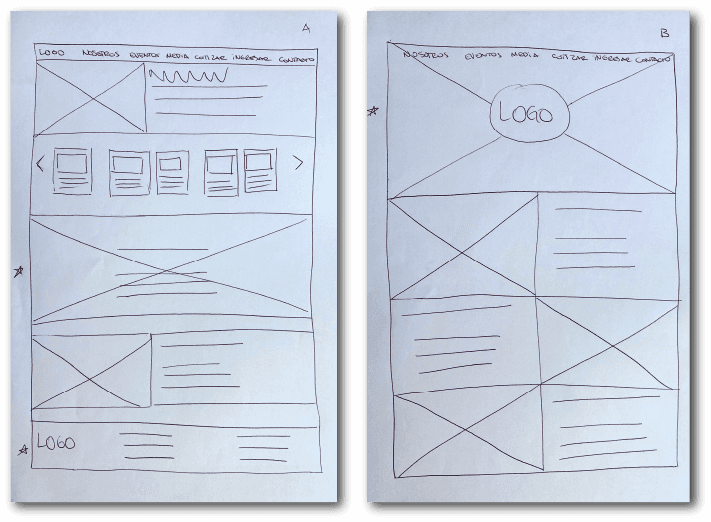
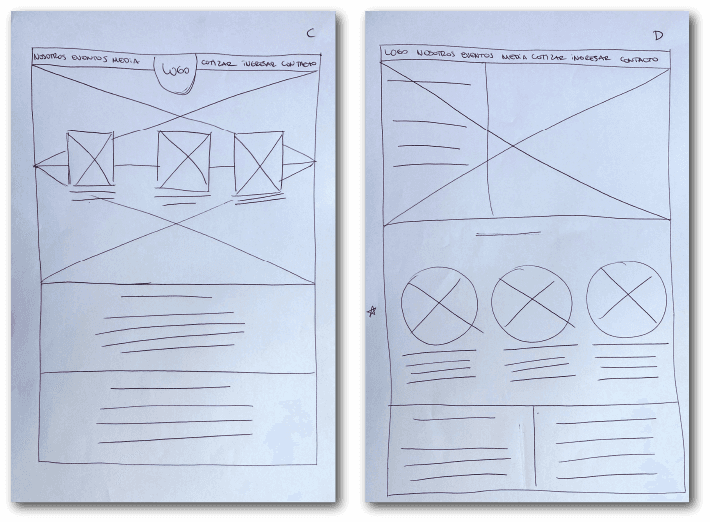
Digital Page Layouts
Information Architecture: Site Map
The difficulty of finding certain information on the few similar websites was considerable, as most only operate through their social media channels, which was one of the most frequent pain points for users. The main objective in the information architecture is to make site navigation specific and directly relevant to what users are looking for; hence the chosen structure, designed to make the entire experience easier and simpler.
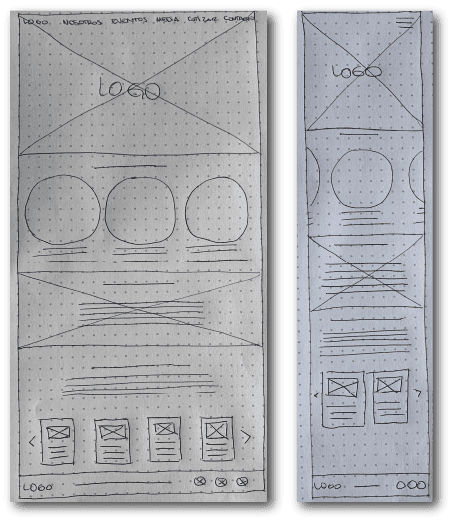
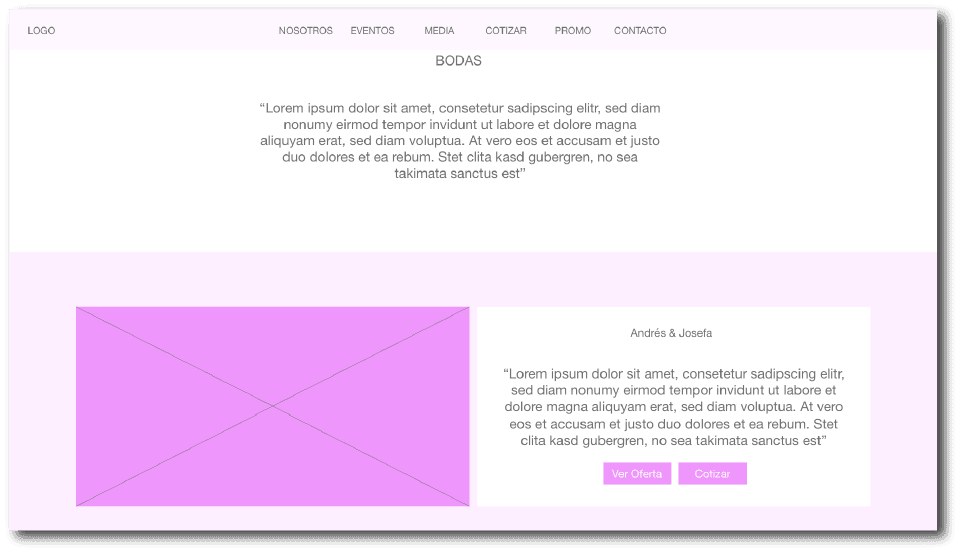
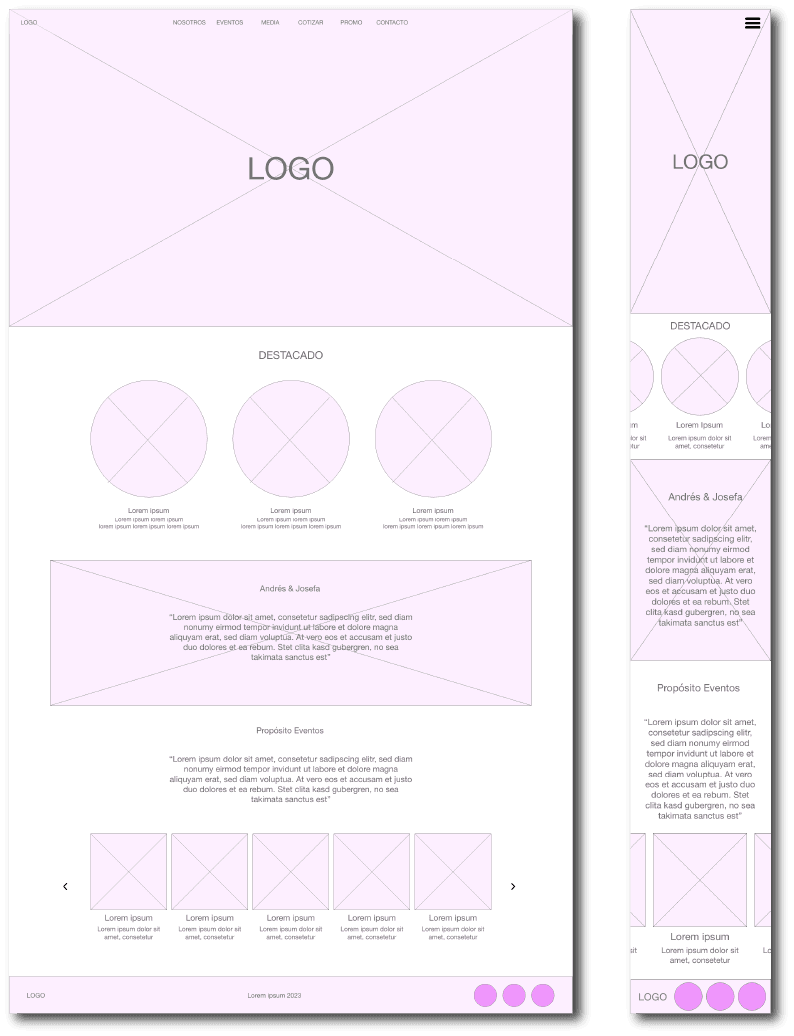
Lo-fi prototype
In this prototype, we can see the complete user interaction with the site, from the home screen to the contact page. The specific placement of the buttons and links was determined through iterations and approvals from the other people who evaluated the prototype from its initial stages.
Usability study: Findings
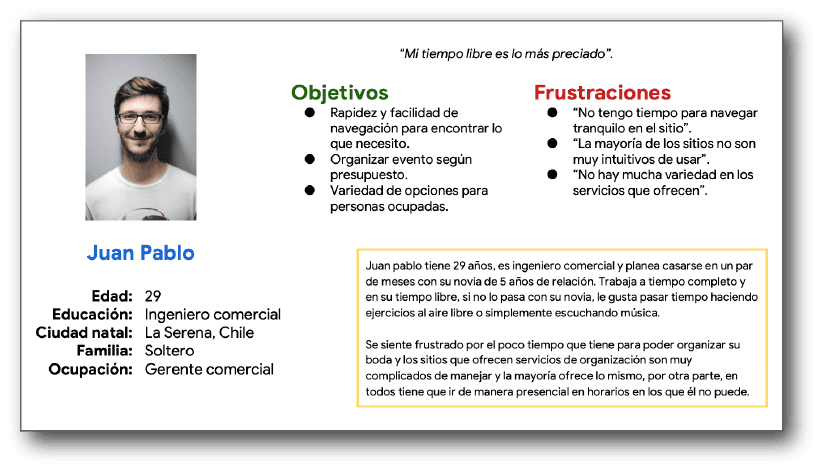
Most websites have very little information; they only feature images on social media and relevant information on related websites. Everything else has to be found out by calling a phone number, sending an email (which often goes unanswered), or, as is common these days, contacting them only through messaging apps.
Information
1
The promotions and offers that are posted are not recent. Another major drawback is that they don't publish their current prices, so users have to waste even more time calling or making inquiries through various platforms.
Promotions
2
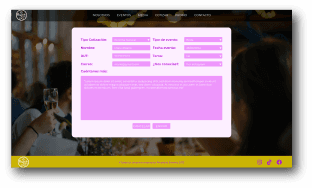
None of them have an online quoting system; they all send the quotes via email after two or three days. This makes the waiting process slower and prevents us from moving forward with the rest of the plans for the event.
Quotes
3
Perfecting The Design
Models
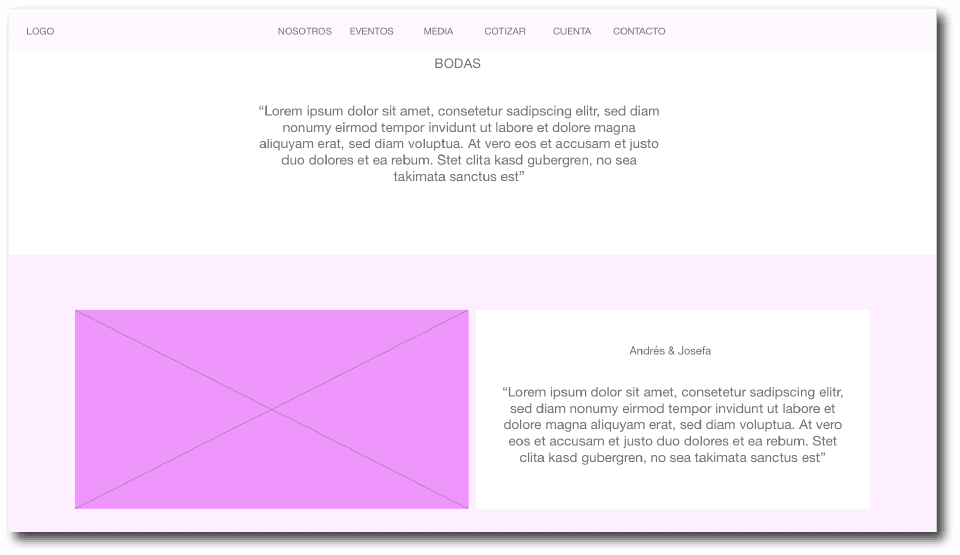
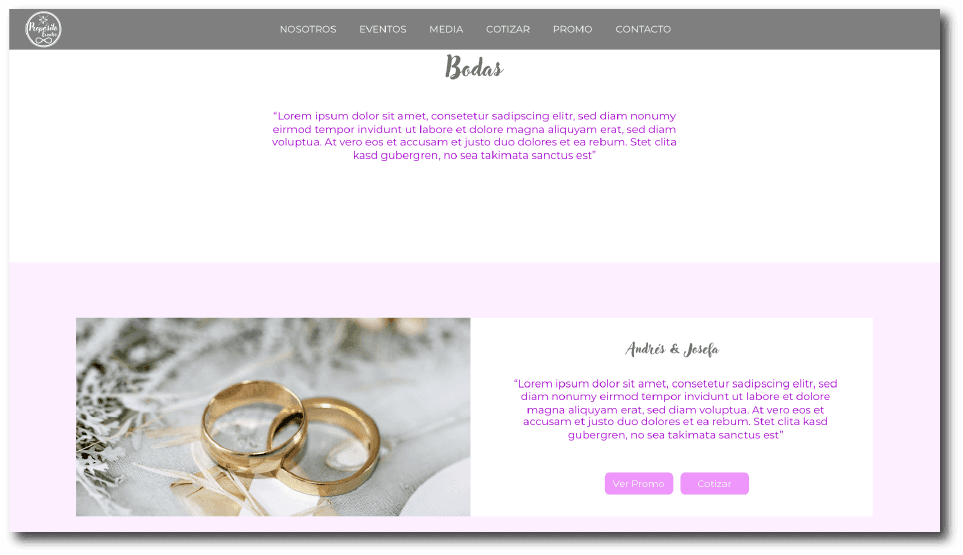
The final conclusions of the usability study revealed that it was necessary to add shortcut buttons to the offer and quote screens, as many users do not want to spend more time than planned on the website. Therefore, we have decided to send them directly to what they are looking for in the corresponding section.

Hi-fi Prototype
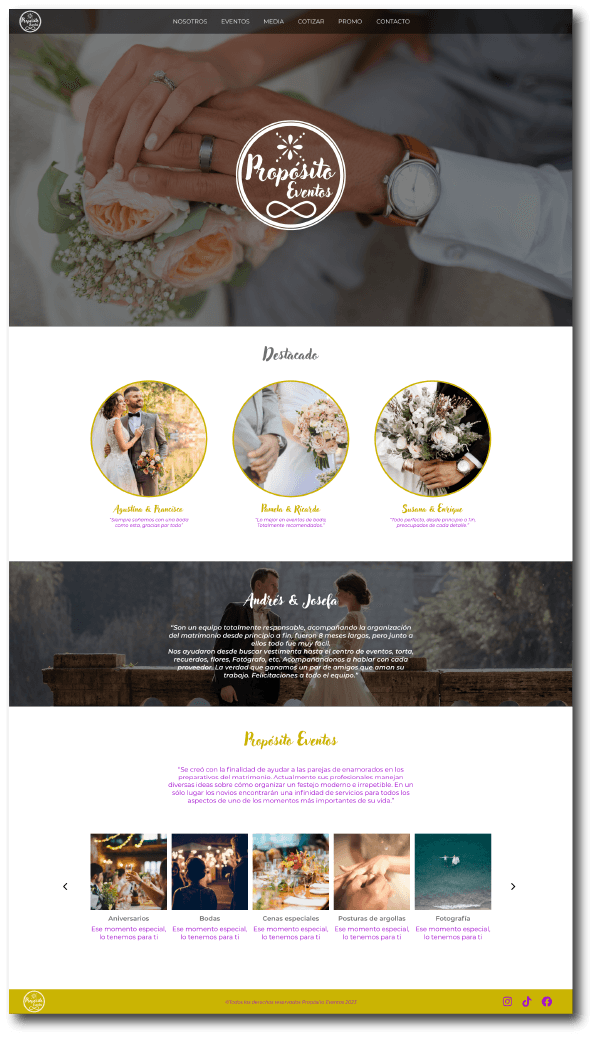
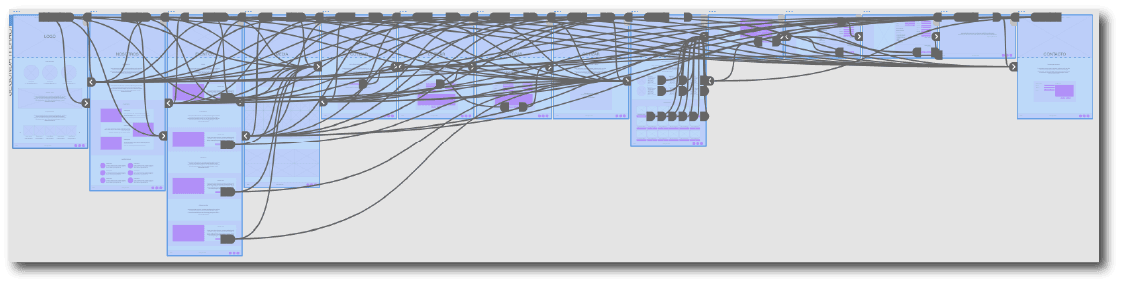
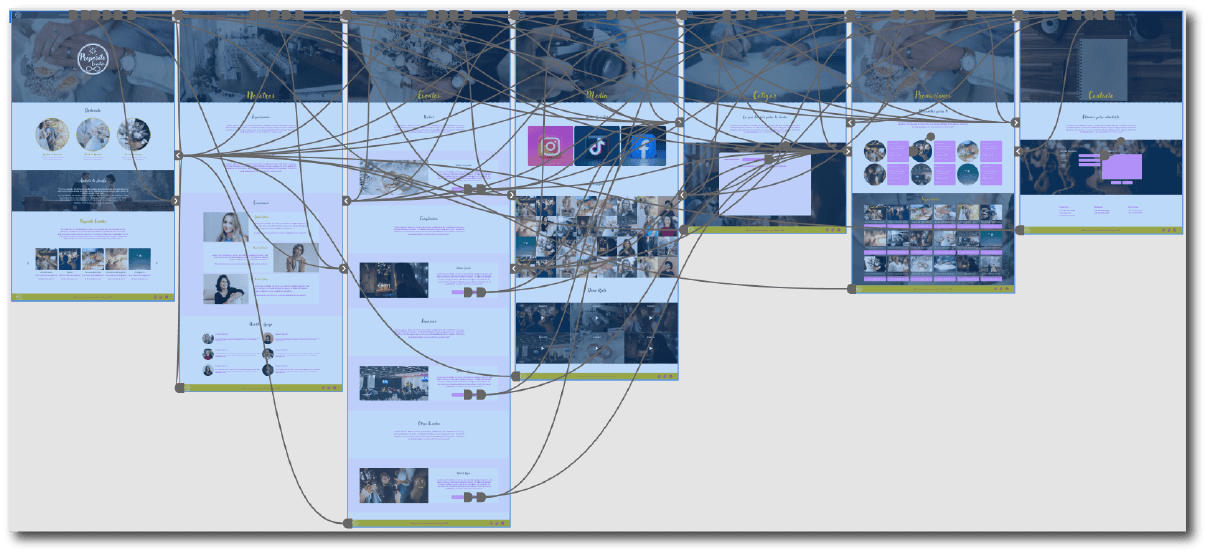
This is a screenshot of the high-fidelity prototype, which faithfully followed the iterations and changes resulting from the usability study. We can see the connections between each of the screens as the user interacts with each call to action.
Accessibility considerations
The website was designed with easy-to-see colors that create high contrast between them, so that anyone with vision problems can have a good experience.
1
I used landmarks to help users navigate the site.
2
The typography used was selected in such a way that it would not lose its sobriety or solemnity, while also being easy to read.
3
Next Steps
Conduct usability tests to further improve the user experience.
1
Conduct surveys to identify other needs and add them to the new website.
2
Improve the designs for smaller screens, adding the same features as a desktop screen.
3
Let's work together?
If you liked what you saw, let's stay in touch!